Self-paced online course
Your child already loves playing Roblox. This course turns that into building — ending with a real, published game they made themselves.
12-month access · per student
$269.00$229.00
Save $40 (15%) — Back-to-School pricing
6 seats left at this priceOne seat per student — you'll tell us who each seat is for after checkout.
Back-to-School Sale — Save $40 (15%).


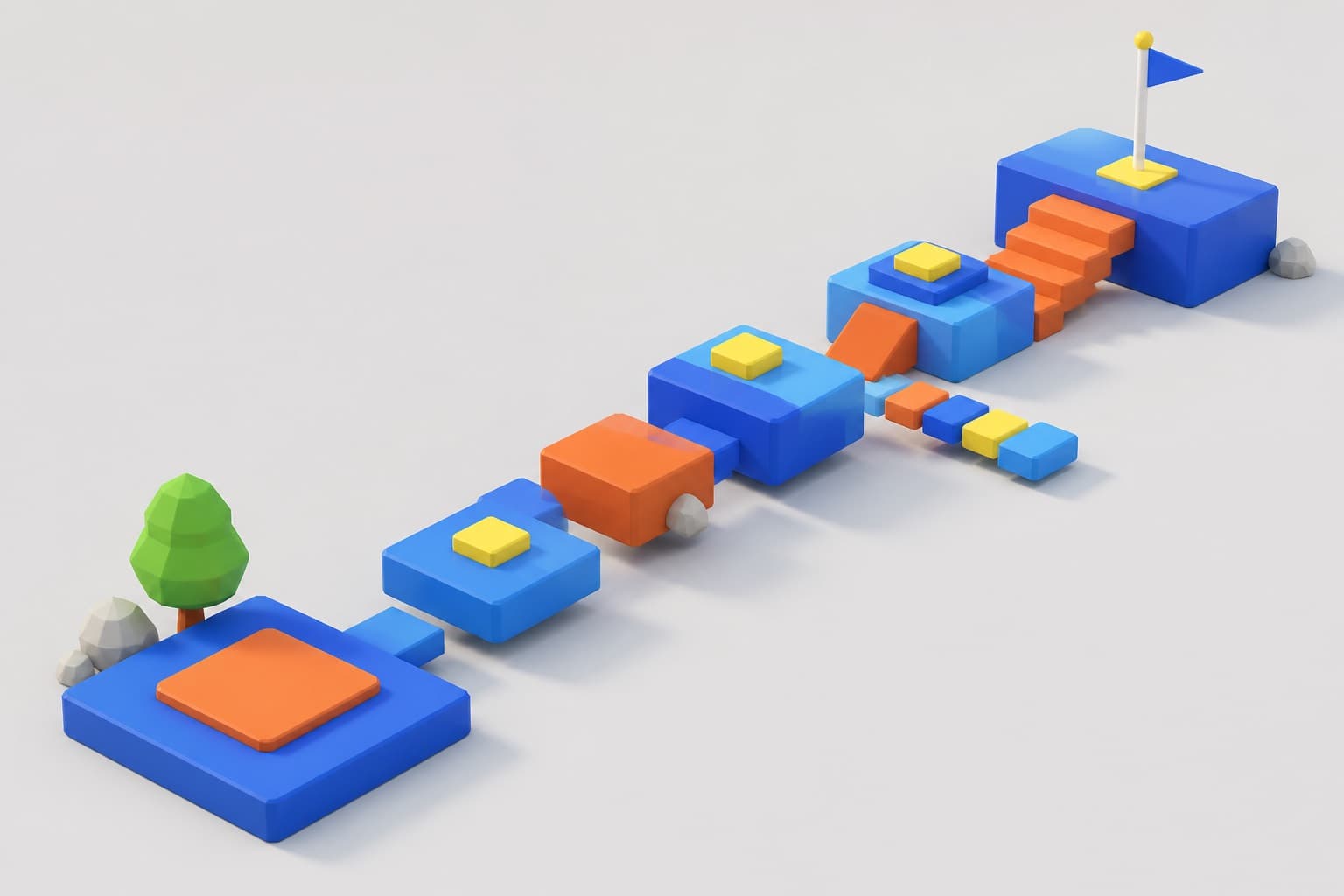
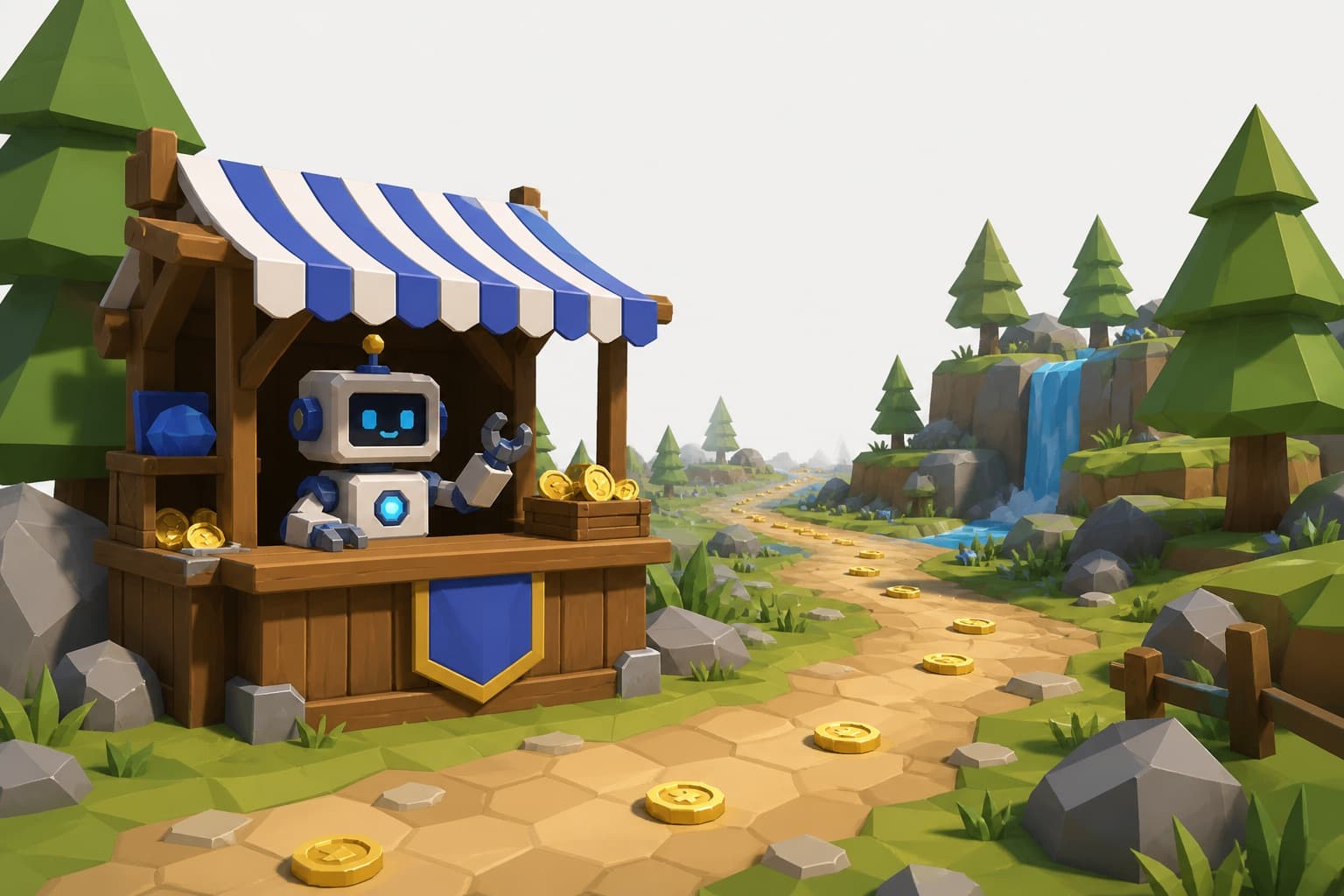
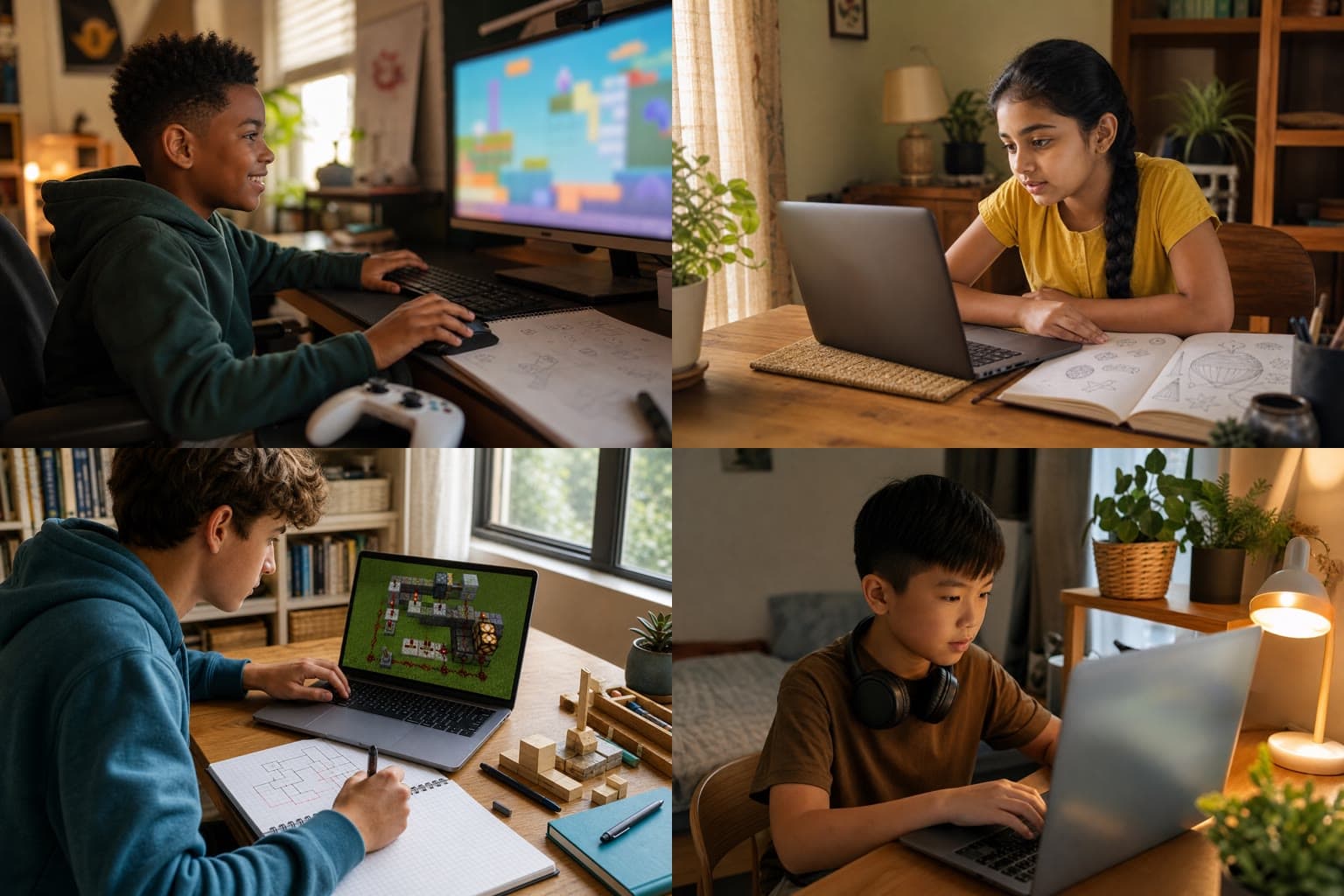
Illustrations of the kinds of projects students build in this course.
Outcomes
A published Roblox game of your child's own design, a portfolio of three finished projects (obby, tycoon, and capstone), a rubric-scored final project, and a downloadable completion certificate.
14-day money-back guarantee·Secure checkout by Stripe
Prerequisites: None. If your child can read comfortably and type a little, they're ready. No prior coding experience is needed — the course starts from zero.
Card — renews yearly, cancel anytime
State program (one-time, never auto-renews)
Pay by card, or check out with program funds in a live state (Arizona, Alabama, South Carolina, and New Hampshire). Save your state guide with the order for its records.
Part of the Full-Year Program
This course is included in the Full-Year Computer Science Program — all four courses in one program for $699.00 (a $836.00 value).
Syllabus
Install Roblox Studio, learn the editor, and build a first playable world with parts, terrain, and materials.
Builds: First Obby — a playable obstacle course your child can run through start to finish
Scripting starts here. Your child learns what a script is, then uses variables, functions, and events to make the game react to the player.
Builds: Obby 2.0 — the obstacle course upgraded with traps, checkpoints, and a win condition
The logic behind real games: conditionals, loops, points, money, and progress that saves between play sessions.
Builds: Cookie Tycoon — a working tycoon game with currency, upgrades, and saved progress
What separates a demo from a game: on-screen menus, shop interfaces, lighting, and sound.
Builds: Tycoon Deluxe — the tycoon game finished with a menu, shop screen, lighting, and sound
The capstone. Your child plans an original game on paper, builds it, tests it, and publishes it — privately or publicly, your call as the parent.
Builds: Capstone Game — an original game of your child's own design, published to Roblox and scored with the course rubric
Who this is for
What you need
Included with purchase
What happens next
Program documentation
Structured course documentation includes a syllabus, objectives, and assessment. Confirm current provider and expense rules before purchase. Pizuki provides itemized order records; your program makes the final eligibility and payment decision.
Using education funds? Check your state path
Fair concern, and worth being direct about. This course is taught in Roblox Studio — the desktop creation tool, not the game itself. Your child spends their time in an editor building and scripting, not chatting or playing strangers' games. Publishing the finished game is a deliberate step at the end of the course, and it can be published privately so only your family can play it. Nothing in the course requires chat or social features.
No. The course is fully self-paced: guided step-by-step lessons, quizzes that are checked automatically with instant feedback, and a clear rubric for the final project. You get progress emails and a dashboard, so you always know where your child is. There's no schedule to keep and no class to miss.
No. The course assumes zero experience and starts with building before any code appears. Lua scripting is introduced in small steps in Unit 2, and every concept is practiced in a project before the course moves on.
Courses like this are commonly purchased through state education savings programs. The course ships with a syllabus, learning objectives, and assessment documentation you can file with your program. Your program administrator makes the final call on eligibility, so check with them before purchasing.
No. Roblox Studio only runs on Windows and Mac computers. Chromebooks and tablets can't run it, so your child will need access to a regular computer to take this course.
Every course and digital purchase carries a 14-day money-back guarantee. If it isn't a fit, email support@pizuki.com within 14 days of purchase for a full refund. Full details at pizuki.com/refunds.
Ready when you are
$269.00$229.00
Back-to-School pricing — Save $40 (15%). Ends Labor Day, Sept 7
Pay by card (renews yearly, cancel anytime) or with state program funds (one-time, never auto-renews).
One seat per student — you'll tell us who each seat is for after checkout.
Keep exploring
Not sure this fits your program rules? Tell us your state and the product you are considering.
Ask Pizuki